
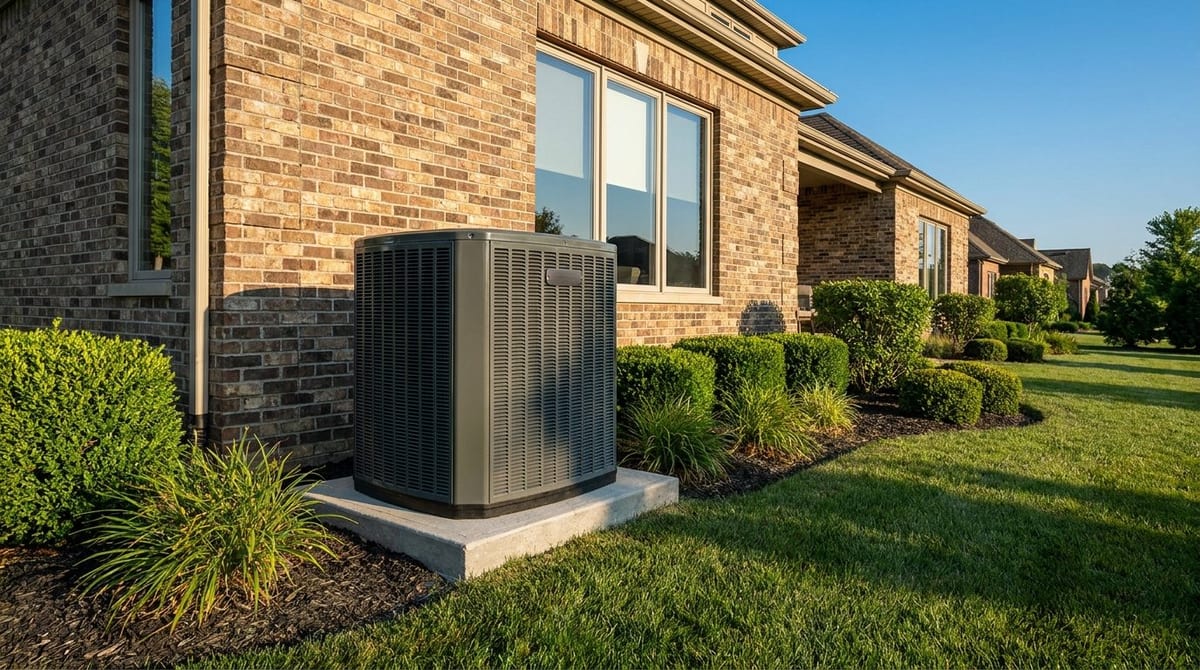
What temperature should I set my AC in summer?
The 78°F rule, what it really costs in Texas, and how to stay comfortable.
By The T.A.P. Team · July 2024 · 6 min read
The U.S. Department of Energy recommends setting your thermostat to 78°F when you're home in summer, and higher when you're away or asleep. In Texas that number is a genuine balancing act — every degree lower can add roughly 3% to your cooling costs, and in a 100°-plus summer that adds up fast. The good news: a smart schedule and a few habits let you stay comfortable without setting it to 68° and dreading the bill.
- Home & awake: 78°F (U.S. Dept. of Energy)
- Away: 85–88°F
- Sleeping: 78–82°F, to comfort
- Every 1° lower ≈ ~3% more cooling cost
- Setting it lower does not cool the house faster
The 78°F rule — and the Texas asterisk
The U.S. Department of Energy recommends 78°F while you're home and awake in summer. It's a genuine efficiency sweet spot, but in a 100°-plus Texas July, 78° is also where comfort and cost fight it out. The point isn't to suffer at 80° — it's to understand that in our climate every degree has a real price, so you can spend it where it matters.
Why lower does NOT cool faster
A thermostat is a target, not a throttle. Setting it to 68° when you walk in doesn't make cold air come out faster — your AC runs at the same rate whether the target is 72° or 62°; it just runs much longer to hit the lower number. Cranking it down only overshoots, over-cools, and runs up the bill.
Set it back when you're away and asleep
The biggest savings come from not cooling an empty or sleeping house to daytime comfort. Raising the setpoint to the mid-80s while you're at work and easing it up overnight can meaningfully cut runtime. A programmable or smart thermostat does it automatically, so you come home to comfort without paying to cool empty rooms all day.
Fan setting and humidity
Leave the fan on AUTO, not ON. On AUTO the fan runs only while cooling, so moisture that condenses on the coil drains away; on ON, that moisture can re-evaporate into the house and make it feel muggy — and Texas humidity is half of what makes a room feel hot.
Comfort tricks that let you go higher
Ceiling fans let you sit comfortably 3–4° warmer by moving air across your skin (turn them off in empty rooms — fans cool people, not rooms). Close blinds on sun-facing windows, and make sure supply vents are open. And don't set it so low the coil freezes — see why is my AC freezing up.
| When | Suggested setting |
|---|---|
| Home & awake | 78°F |
| Away at work | 85–88°F |
| Sleeping | 78–82°F (to comfort) |
| On vacation | 88°F or higher |
| Coming home | Let the schedule pre-cool — don't crank it down |
If 78° feels miserable, the answer is usually a sizing, airflow, or humidity problem — not a colder setpoint. A properly sized, well-maintained system with good airflow holds an even, dry 78° comfortably. Fighting discomfort with a lower thermostat just raises the bill and can freeze the coil.
What this means for a DFW electric bill
Cooling is the biggest slice of a North Texas summer electric bill, and July and August are when it stings. A smart setback schedule is the single easiest way homeowners across Frisco, McKinney, and Plano trim it without a comfort sacrifice they'd actually notice.
The short version
- Set it to 78°F when you're home and awake — the DOE's summer recommendation.
- Raise it to 85–88°F when away, and the mid-80s or higher overnight.
- Every degree lower adds roughly 3% to your cooling cost.
- Setting it lower does not cool the house any faster — it just runs longer.
- Keep the fan on AUTO so your AC removes humidity properly.
- Ceiling fans, closed blinds, and a smart schedule let you stay comfortable a few degrees warmer.
Summer thermostat settings — frequently asked questions
Fighting the thermostat and the bill?
A right-sized, tuned system makes 78° comfortable. Get a free assessment. Serving Dallas–Fort Worth & North Texas for over 25 years.